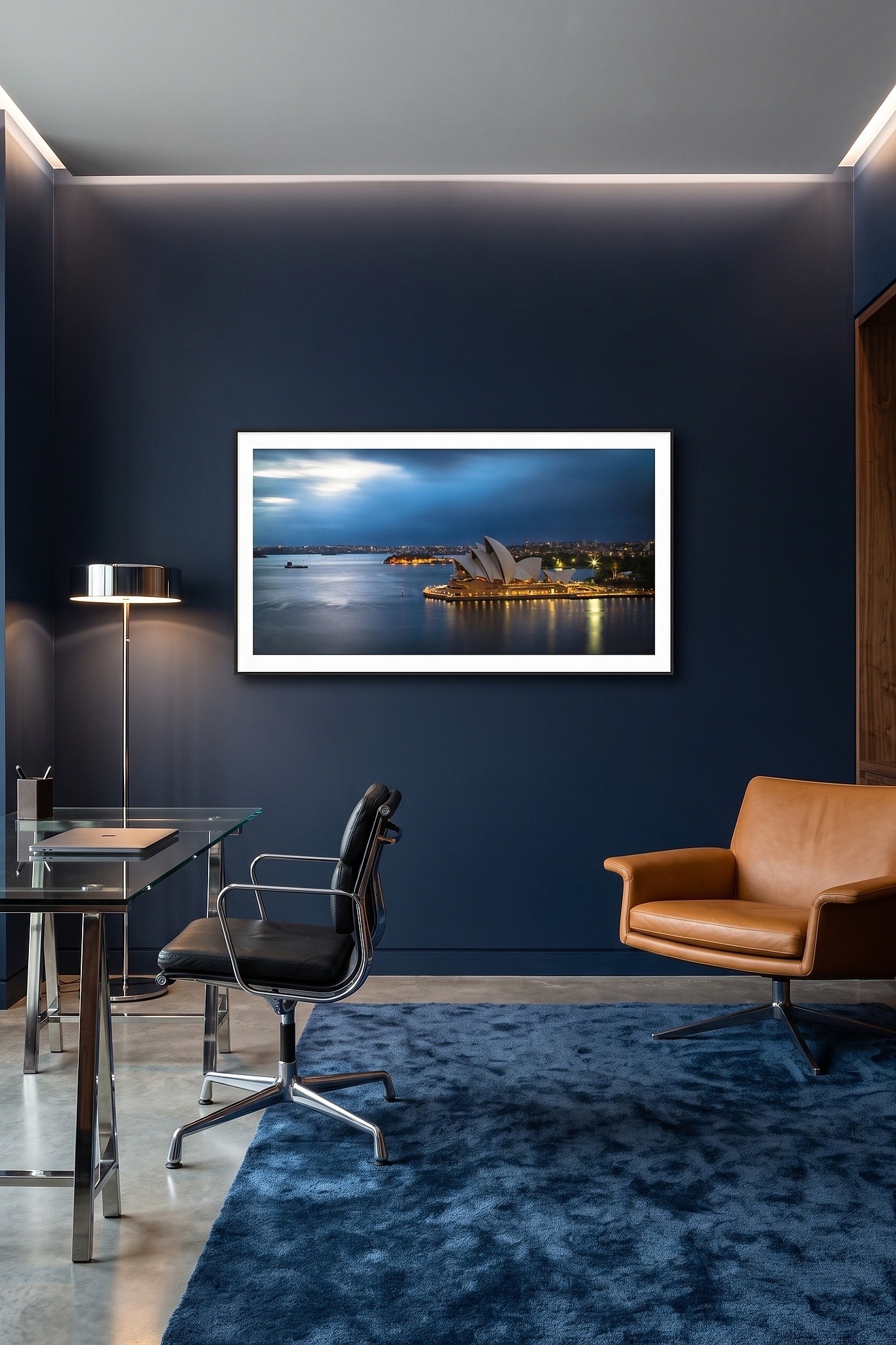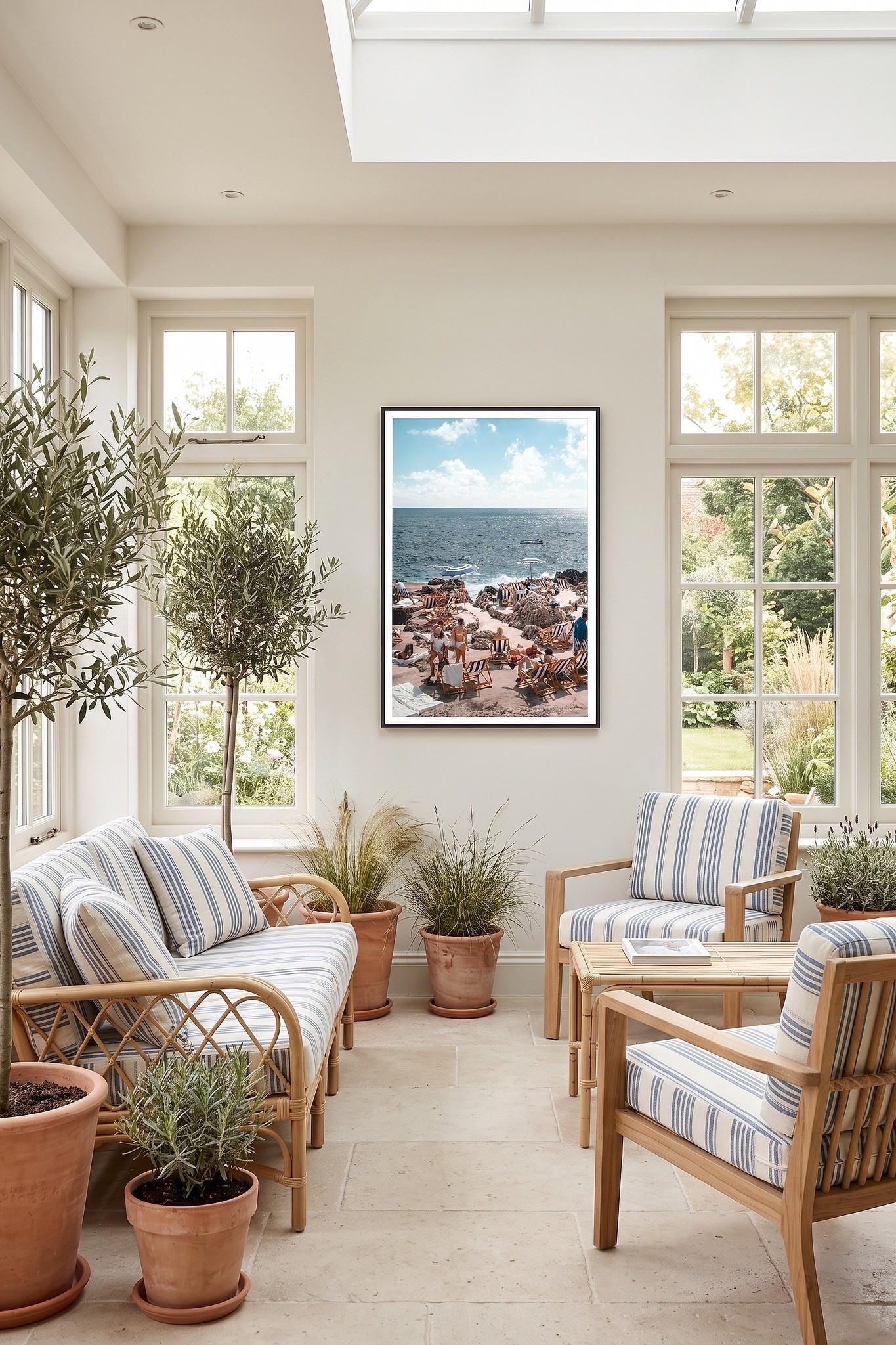

A buyer has found a print they love. Now they must choose between natural timber, black and white frames. If every option is photographed in a different room, at a different angle and in different light, comparison becomes guesswork. A consistent set of framed visuals lets the buyer see the effect of each choice while the artwork remains the reference point.
Start with the work itself
Show a complete, faithful image of the artwork before asking the buyer to evaluate its presentation. Preserve its composition, colours and proportions. On a product page, the buyer should be able to recognise the work in every subsequent image, even when the frame or mounting changes.
For a photographic print offered in three frames, start with the photograph on its own. Follow with three front-on framed views at the same apparent size and against the same neutral background. Now the buyer can judge what the pale timber does for the image, whether a black frame adds definition, and whether a white frame creates the quieter treatment they prefer.
Make differences easy to compare
A framed product visual has a specific job: show the product as offered. Keep the camera angle and lighting controlled across variants. Where a finish or frame profile matters, add a closer view rather than relying on an atmospheric room scene to convey the detail.
Check the pairing between image and selection. Does choosing the black frame bring up the black-framed visual in your store? Are portrait and landscape artworks fitted correctly? If a mount or size changes the finished dimensions, does the listing explain that clearly? A polished image is useful only when it represents an option the customer can order.
Build a visual system you can repeat
When a catalogue grows, one-off mockups often grow with it. Decide which frame views every artwork needs, which background supports comparison, and which variations deserve their own image. Apply those decisions consistently, then review each result. Standardising the method should not flatten the character of each piece.
ArtSyncy generates framed product visuals and frame, size and mounting variations from an uploaded artwork. Saved frame-style presets help maintain a coherent catalogue. Sellers can review the outputs and download or export them for use in their selling channels; the destination workflow may vary.
Before adding another image to a listing, ask what question it answers. A clear artwork view, accurate framed options and an informative detail view will do more work than several near-identical lifestyle images.
Explore how ArtSyncy creates framed product visuals from one artwork.