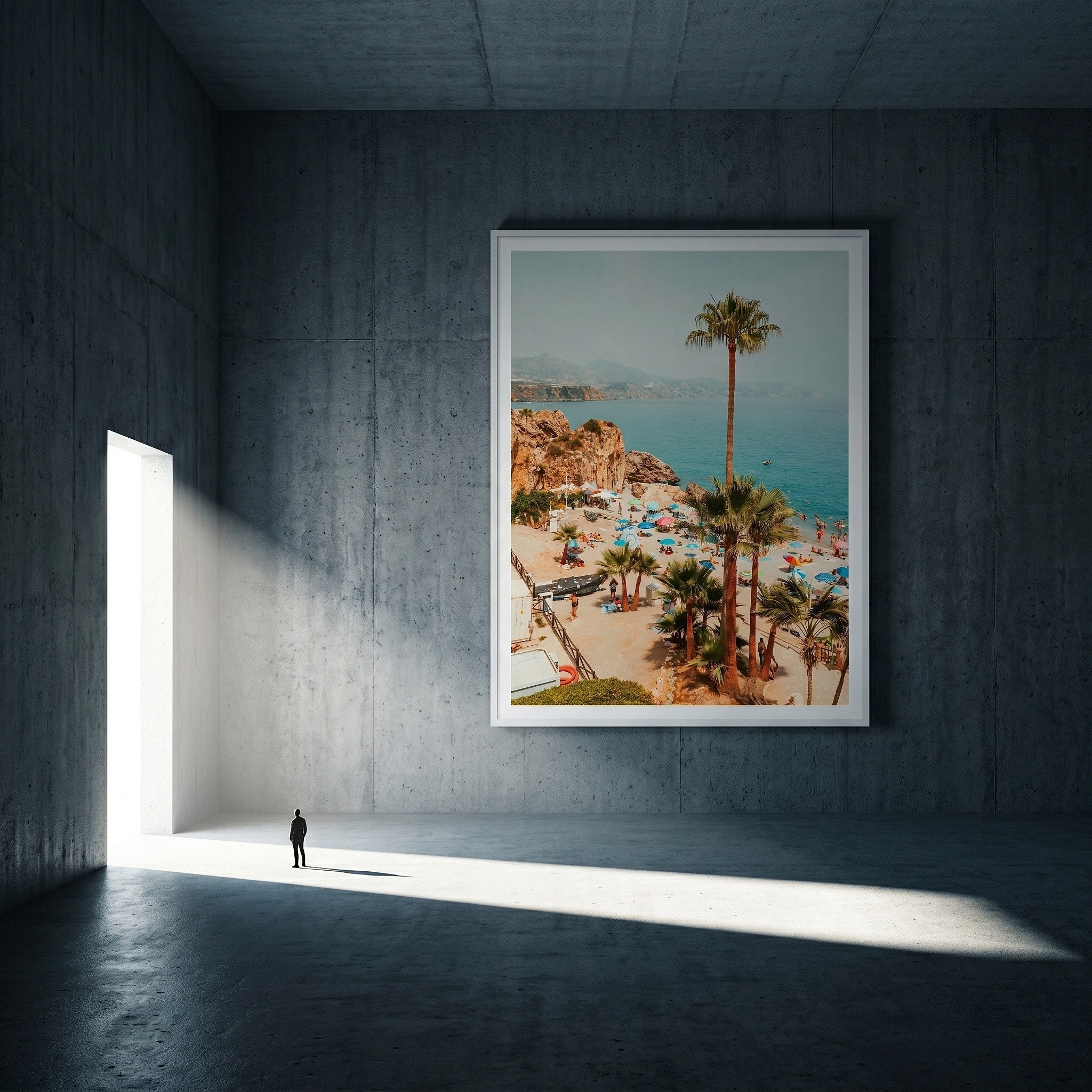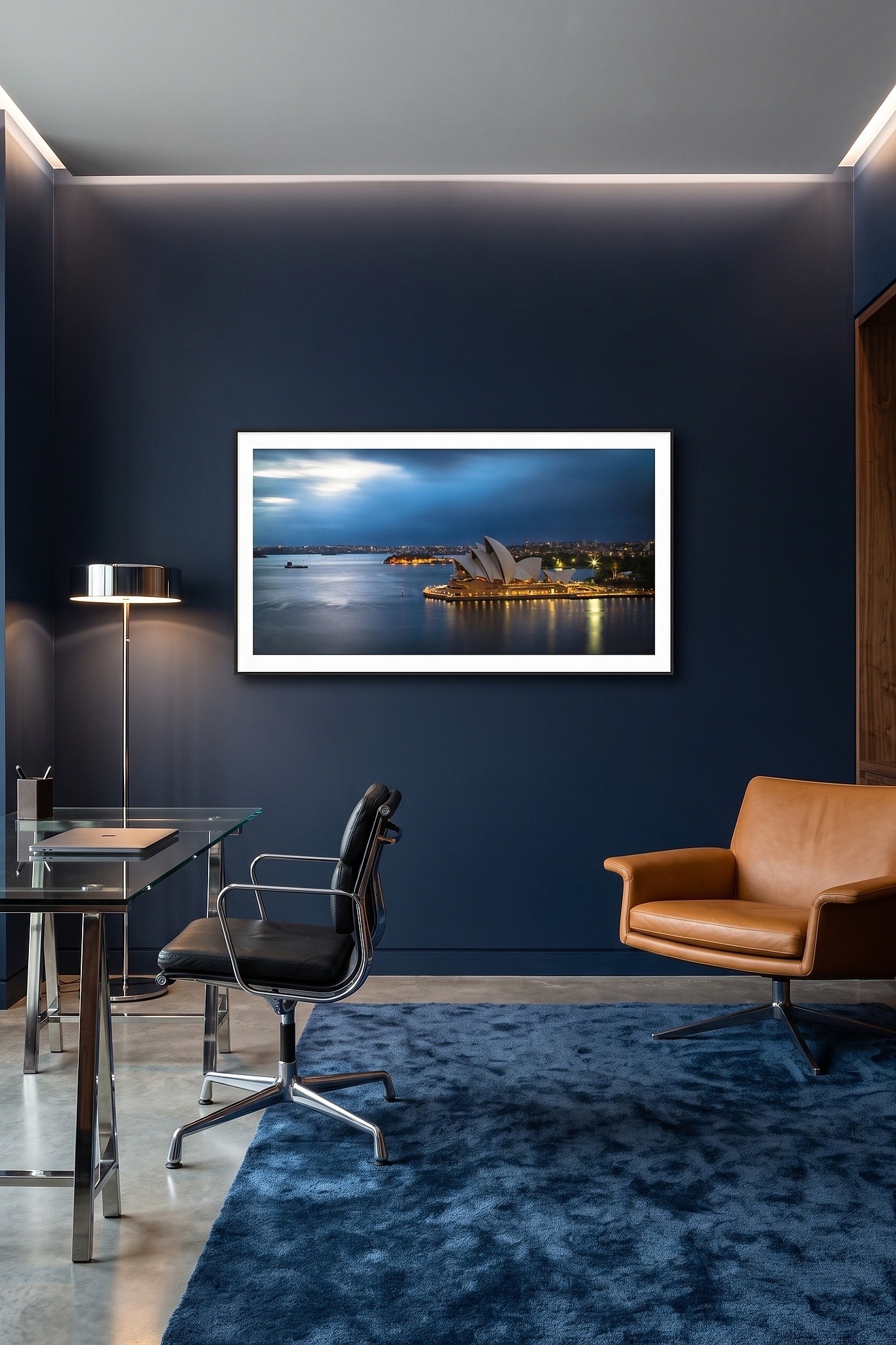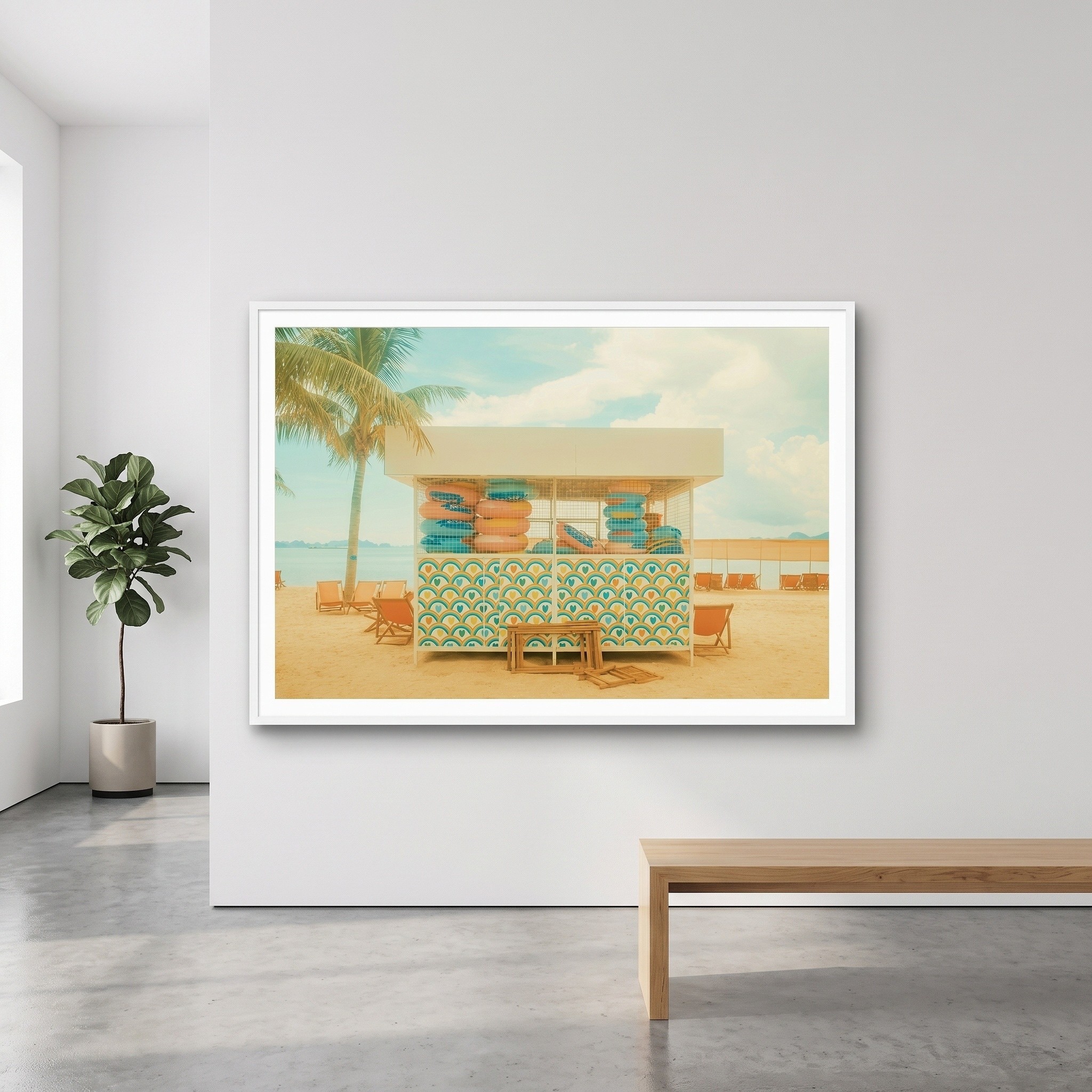

Imagine arriving at a listing for a framed landscape print. A room photograph catches your eye, but you cannot see the complete artwork clearly. The next image shows a different frame, and the written dimensions are hard to relate to either view. There are plenty of pictures, yet the decision is still difficult.
The answer is not necessarily more media. It is a more purposeful sequence.
Show the artwork before the styling
Open with a faithful, complete view of the work. Let buyers inspect its composition and colour. Then show the product as sold: the selected frame, mount and presentation. If the store offers meaningful variations, make the differences visible and identify which image represents each choice.
Add a room scene to show context and a credible sense of size. Include a detail view when it clarifies a frame profile or finish that matters to the purchase. A short video or Interactive 3D experience may help with a further question, but neither should replace clear still images and accurate product details.
For the landscape print, a useful order might be: complete artwork; front-on framed view; alternative frame options; room scene; close view of the frame. Every image has a different job.
Put facts beside the images
The gallery should support the listing, not carry information it cannot verify. State the artwork and finished dimensions, available materials and formats, edition details where applicable, price, availability and relevant delivery information. If a frame changes the overall dimensions, make that difference explicit.
Write descriptive alternative text for meaningful images. “Landscape photograph in a black frame above a timber console” describes more than “image 4”. Google recommends descriptive alt text as part of its image guidance, and Shopify provides product-media controls for managing gallery and variant images. Check how your own storefront displays those choices before publishing. [1][2]
Review the page as a buyer would
Open the listing on a phone. Can you find the artwork view after seeing the room scene? Is the selected frame apparent? Are dimensions readable near the point of choice? Can you distinguish what is included from a styling prop? Ask someone unfamiliar with the artwork to complete the same review.
ArtSyncy helps generate framed product visuals, variations and room scenes from the same artwork record. Outputs can be reviewed and prepared for use in a store through the available export, download or transfer workflow. The seller still decides the gallery order and checks that each image matches the product offer.
A complete gallery makes the artwork easier to appreciate and the options easier to understand. That is the standard to measure against, rather than a target number of images.
Explore the visual assets ArtSyncy can help prepare for your product pages.