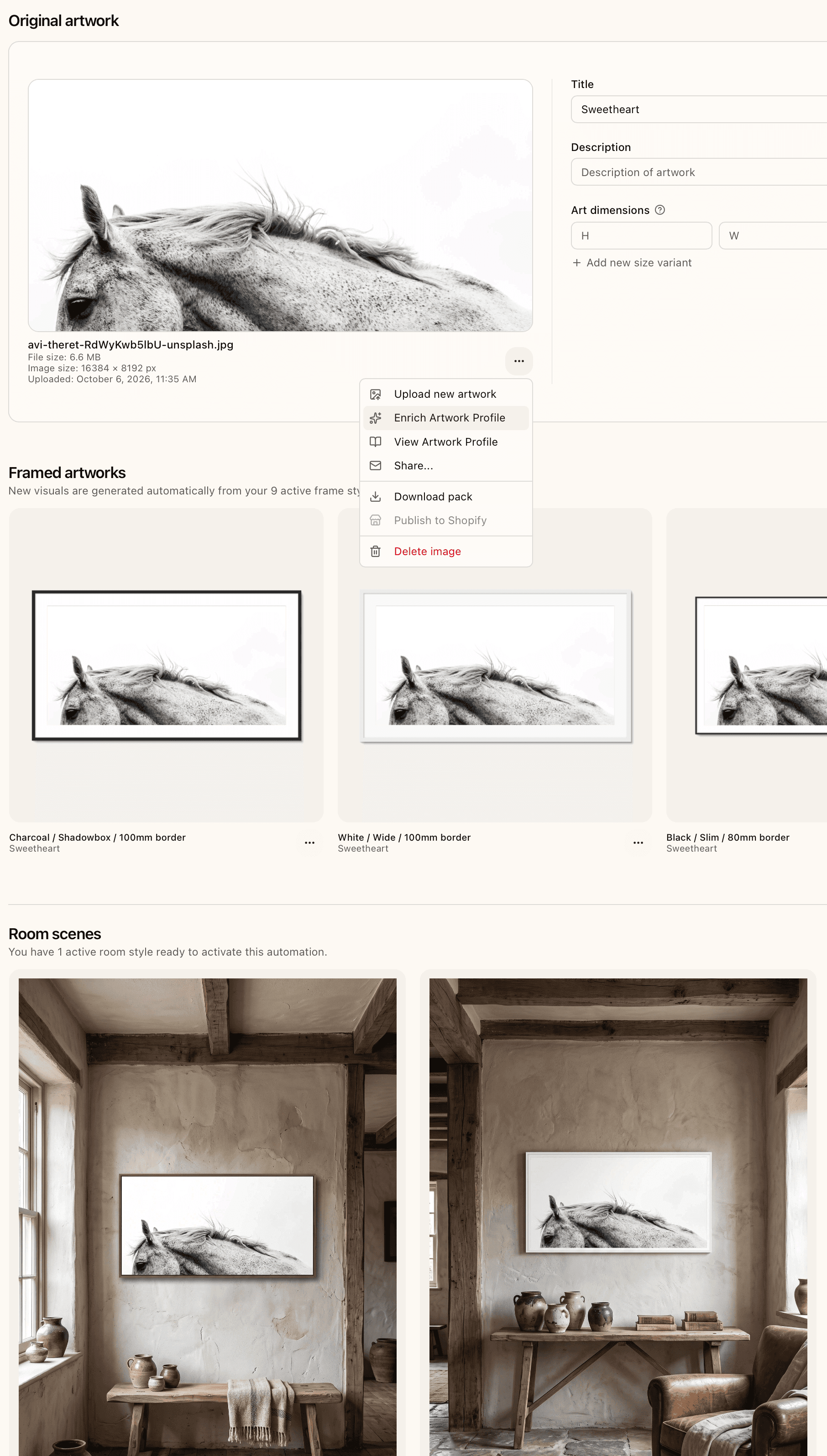
A full image shows the composition. It may not show the edge of a brushstroke, the fine line in an illustration or the surface of the paper a print will arrive on.
Those qualities deserve a closer look. The challenge is choosing detail images that explain the actual product without making a small section feel like a different artwork.
Decide what the close-up needs to show
Begin with a buyer question.
Is the photograph sharp enough to inspect? Is the original painting textured? Does the selected frame have a finish worth seeing? What does the offered print surface look like?
Each question calls for different evidence. A crop from a high-resolution artwork file can show linework or photographic detail. A photograph of the physical product is needed to demonstrate its actual surface or finish.
Choose a detail that matters to the work. For an illustration, a small character or a passage of linework may be more informative than a random patch of colour.
Distinguish the original from the print
A photograph of raised paint on an original does not mean that a reproduction will have the same relief.
If you sell prints, label original-artwork details and show the actual print when discussing paper, finish or texture. If several products use different materials, make clear which one is pictured.
This distinction is especially useful when an image file itself contains a painted or paper-like texture. That visual texture is part of the image; it is not evidence of the substrate a buyer will receive.
Make the close-up honest
For a physical detail photograph, use lighting that reveals the feature without exaggerating it. Check that the image remains sharp where the buyer needs to look and that reflections do not hide the surface.
Avoid heavy sharpening, smoothing or colour changes that alter what is being shown. Do not generate missing brushwork, paper grain or frame detail and present it as product evidence.
Place a full view near the close-up so someone can locate the detail within the work. Label it as a detail view. Keep the complete artwork visible in your standard product and room-scene images.
Give each image a place in the gallery
A practical sequence is a full artwork view, the product presentation and then the specific detail that needs explaining. A room scene adds context after the buyer can recognise the work.
ArtSyncy helps prepare framed product visuals and room scenes from the source artwork. Combine those presentation assets with authentic detail photography where the physical product needs a closer explanation.
You do not need a close-up for everything. Include it when it answers a question the other images leave open.
Next step: Pick one listing and identify its most important unseen detail. Decide whether it needs an original-file crop or a photograph of the actual product.