

A small thumbnail can be very forgiving. Open the same file at a larger size and you may discover a soft corner, a reflection across the paint or a missing strip along the edge.
Before putting an artwork into a frame or a room scene, take a moment to inspect the image that will travel through the whole process. A beautifully composed setting cannot recover detail that the source never captured.
Start with a faithful view
For a physical artwork, check that the photograph shows the complete work squarely. Look for uneven lighting, glare and a change in focus from one side to the other. If the camera was at an angle, the artwork may appear wider at the top or lean to one side.
Retake the photograph when these problems affect the work. Editing should help reproduce the original faithfully; it should not invent marks, remove meaningful texture or make the colours more dramatic.
For digital artwork, start from the original export rather than a screenshot or a copy downloaded from social media. Check that the file includes the intended edges and preserves the original proportions.
Look beyond the thumbnail
Inspect the image at 100% magnification: one image pixel for each screen pixel. Look at a detailed area, a quiet area and each corner.
Can you see the lines and marks that matter? Are there blocky edges, sharpening halos or compression artefacts? Does a pale section retain its subtle variation?
Then view the whole work again. Detail quality and overall colour both deserve attention. A larger file is useful only when it contains real detail; increasing its pixel dimensions does not recover what was missing.
Keep your best source safely stored. Prepare a separate upload copy if you need to reduce its file size, then inspect that copy before using it.

Keep image dimensions and artwork dimensions separate
An image measured in pixels and a print measured in centimetres describe different things.
Your source file supplies the visual detail. The product's physical dimensions tell a buyer what they are purchasing and inform true-to-scale AR. Check both, including whether a stated size refers to the image, paper or finished frame.
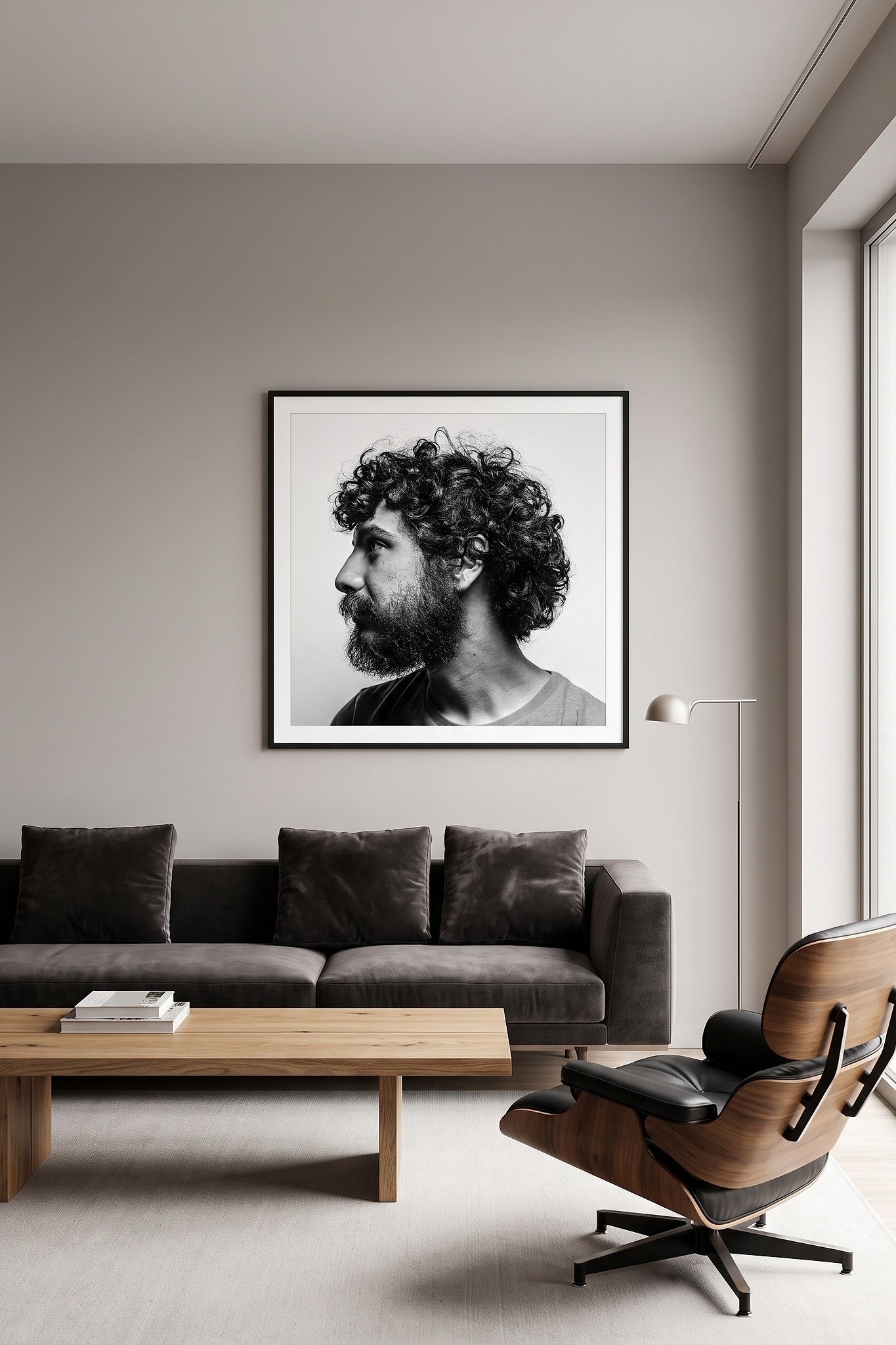
ArtSyncy generates assets from your artwork file. Start by reviewing one framed product visual against the source before generating a wider set of room scenes or marketing assets.
A useful pre-upload check
Before uploading, confirm that:
The complete artwork is visible and its proportions are correct.
Focus and colour represent the work faithfully.
Reflections and lighting do not hide important details.
The upload copy retains the detail needed for its intended use.
The physical dimensions describe the actual product.
Once those checks are complete, the artwork is ready for a much less forgiving close-up.
Next step: Inspect one artwork file at full size, then compare it with its first framed product visual.

